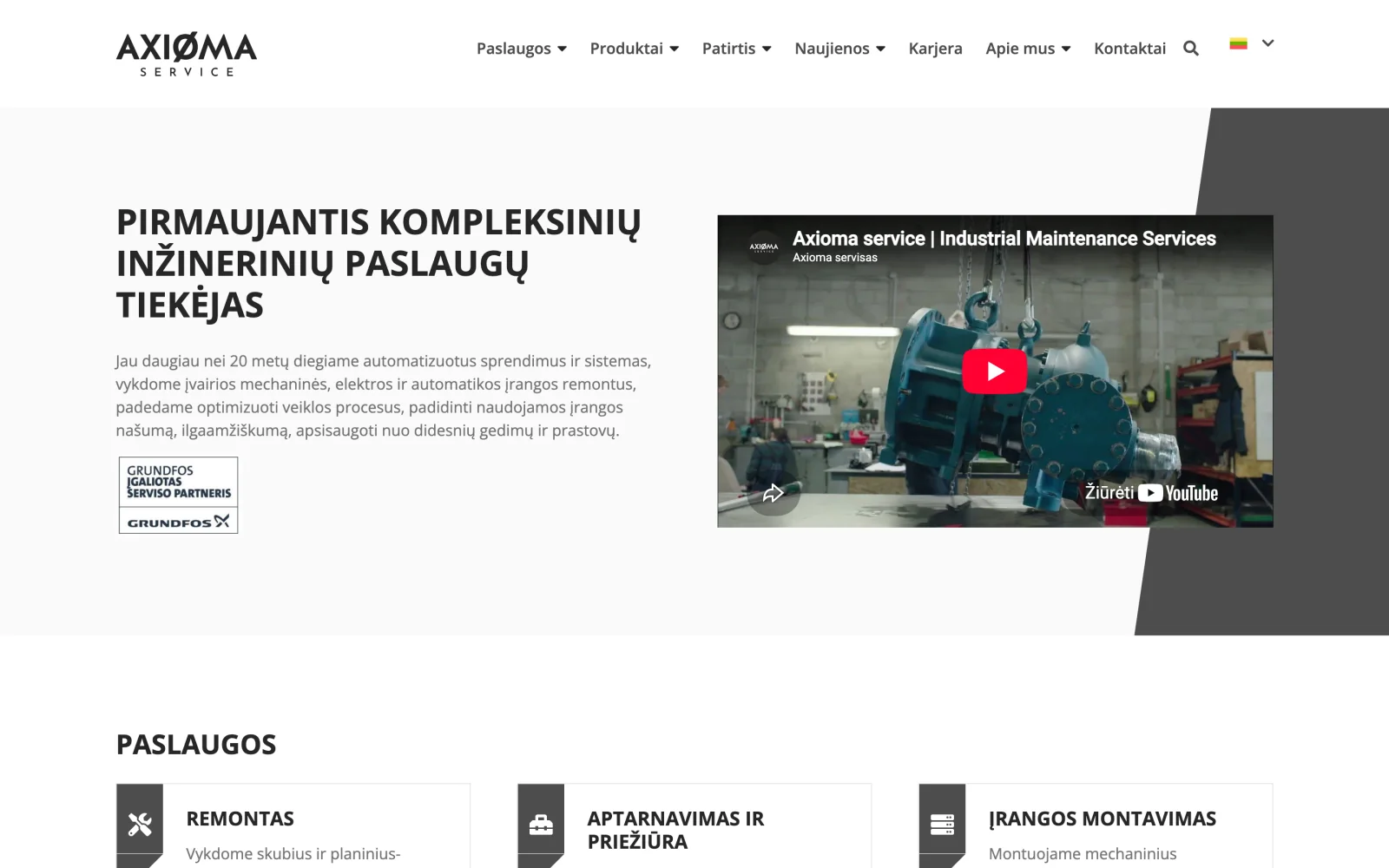
Axioma servisas: industrial engineering services website
A website for an integrated engineering services company, structured by service and by industry for industrial buyers.
Updates, security, backups and small changes with an agreed response time, so the website keeps working after launch.
Website maintenance is the ongoing technical care of a website after launch: system and plugin updates, security patches, backups, uptime monitoring and small changes. Unlike one-off fixes, problems are caught and handled before visitors notice them, and the response time is agreed in advance.
Software ages even when nobody changes it. Every version has a support period, after which there are no more security patches. Outdated content management systems and their plugins are the most common way in for attackers, and restoring a site without backups costs more than a year of maintenance.
The second risk is less visible: the site slowly gets slower, forms stop sending emails, the certificate expires on a weekend. Each is small on its own, but this is exactly how enquiries get lost.
Maintenance without an agreed service level means "we will do it when we can". The agreement should state:
More questions worth asking a supplier are in our article on how to choose a software development partner.
If the website is old and patching it costs more than rebuilding, we will say so after the review. In that case it is worth talking about a new website, and if you first want to know the state of the current one, start with a free website audit.
For websites connected to business systems, maintenance also covers the integrations: how we handle that is described on the integrations page.
| Criterion | No maintenance | On request | Maintenance under an SLA |
|---|---|---|---|
| Updates | Whenever someone remembers | When you ask | Regularly, to a plan |
| Backups | Often none | Depends on the supplier | Regular, with restore tests |
| Problems noticed | When a customer reports them | When a customer reports them | Monitoring flags them earlier |
| Response time | None | When the supplier has time | Agreed in writing |
| Costs | Lowest, until something happens | Unpredictable | Planned monthly |
System and plugin updates, security patches, backups, uptime monitoring and small content or feature changes. The exact scope and response time are set out in the maintenance agreement.
An SLA is a service level agreement: how quickly work on a problem starts, how quickly it is resolved and how website availability is measured. Without one, "we maintain it" only means good will.
We start with a technical review: which system, which versions, which plugins and whether backups exist. Only then is it clear what can be maintained and how, and sometimes that rebuilding is cheaper than patching.
Because software ages even when nobody changes it. Once a version is out of support it gets no security patches, and outdated systems are the most common way in for attackers.
Yes. Maintenance does not replace your content management: you edit copy and news yourself, and we take care of what happens under the hood.
A website for an integrated engineering services company, structured by service and by industry for industrial buyers.
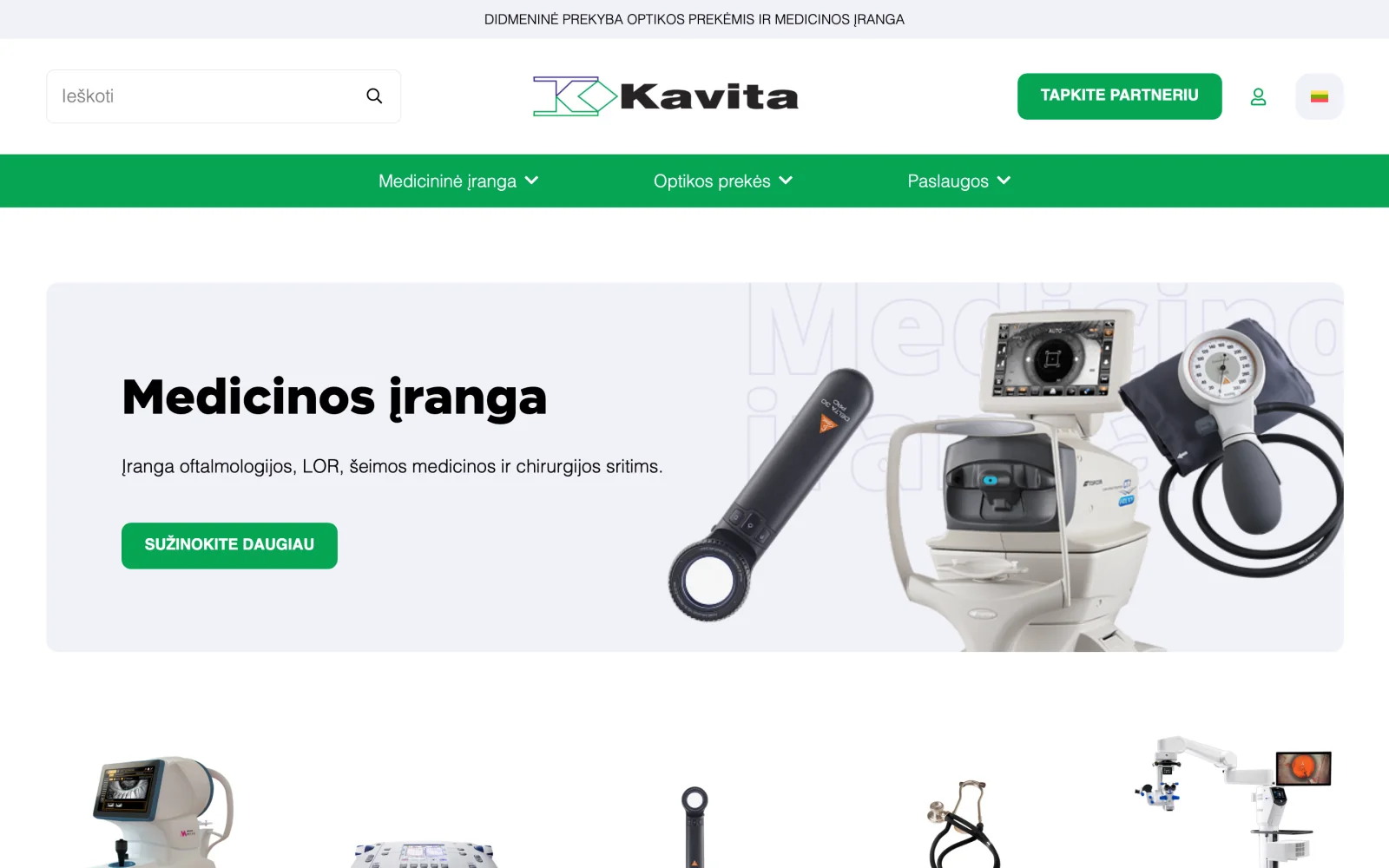
A large medical equipment and optics catalogue organised by specialty, with certificate and servicing information.
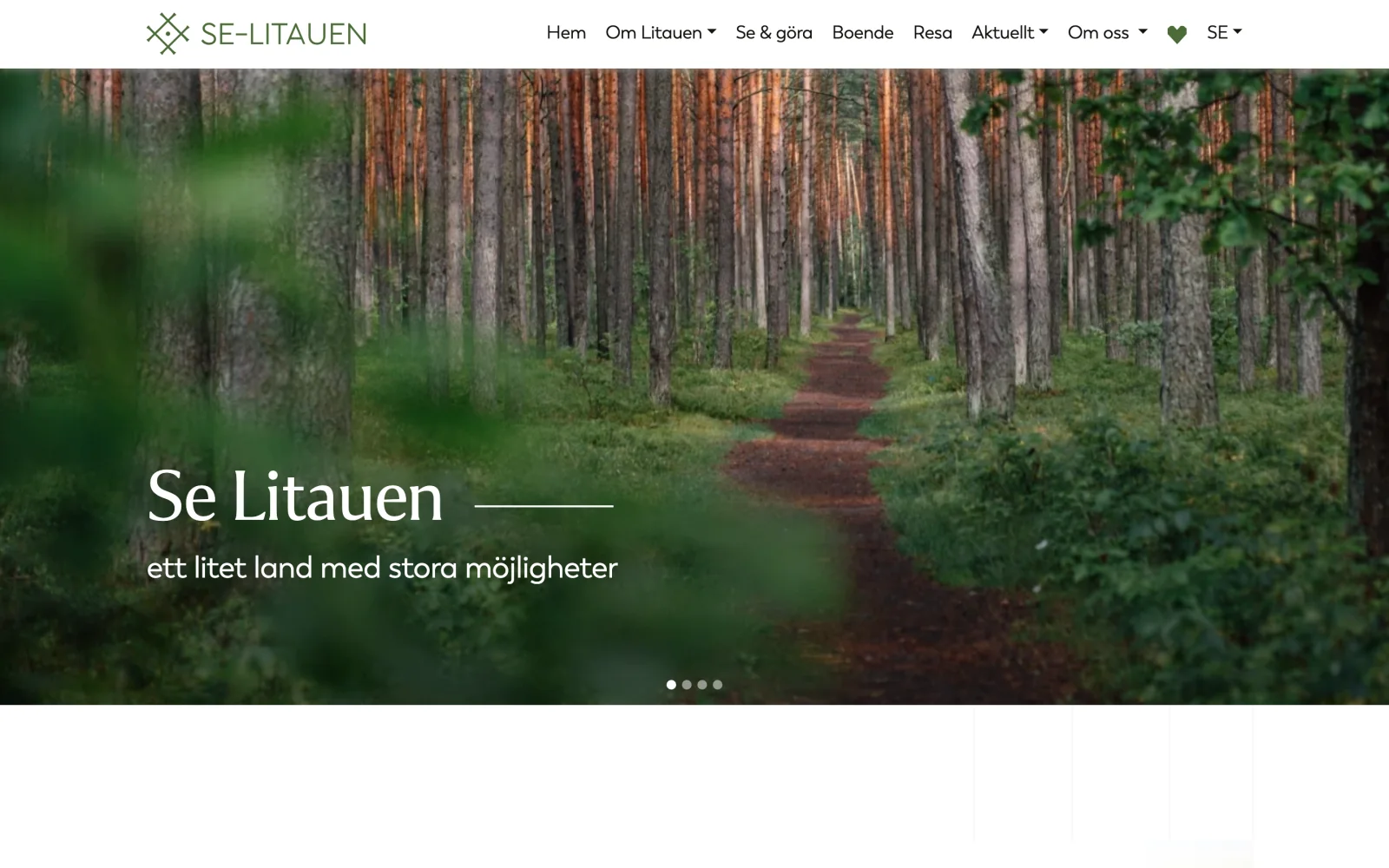
A Swedish-language portal about Lithuania: the country, culture, history, municipalities and trip planning.
Tell us which system you use and what causes trouble. We will come back with a review proposal within one business day.
Or directly: info@desamedia.lt · +370 686 59999